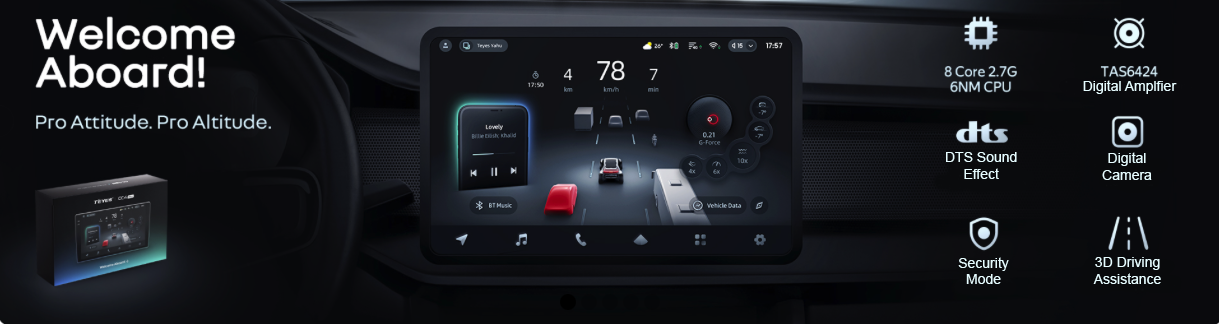
Find setup help, product information and troubleshooting resources for your head unit and accessories. Updated 5 November 2026. The linked website pages are the current reference; check the exact model and hardware version before following a guide.
Choose firmware and wiring information for your exact model. Back up your data before a factory reset; a reset erases stored data. The CC4 frozen-system guide includes factory-reset instructions. A customer-reported repair is specific to that installation and is not a guaranteed fix for every unit.
The CC4 Pro uses a digital external microphone; CC4 and CC4L use an analogue mono external microphone. For TEYES DVRs used with CC3, CC3 2K, CC2 Plus, CC3L and LUX One, the maximum microSD capacity is 32 GB; separate 360 recording storage is different. Successful phone pairing does not establish compatibility with every Bluetooth accessory; not all devices have been tested.
Describe the unit model, vehicle variant, software version and fault. Before posting photos, screenshots, videos or logs, remove personal names, email addresses, phone numbers, postal addresses, order numbers, registration plates, account details, device identifiers and location history. Send order details and diagnostic logs through the private support channel rather than posting them publicly.
The original video collection follows. These videos are for the models named in the tutorials.
Youtube Playlist
Camera Installation
1. How to Calibrate the Gyroscope
2. How to Upload ADAS False Alarms
3. How to adjust the settings if the panel blocks part of the screen?
4. Adjust reverse trajectory and radar icon
5. What to do if the microphone volume is too low?
6. Front Digital Camera Installation Guide
7. What should I do if the AUX IN video display is abnormal?
8. Setting Up CarPlay
9. Setting up Android Auto
10. Obtain fault logs and send them to the engineer
11. How to switch between internal and external microphones?
12. CANBUS Setup Guide
13. Steering Wheel Control in Classic Mode Setup Guide